5 Best AI Color Analysis Tools in 2026: Tested & Ranked
Finding your seasonal color palette used to require an expensive session with a professional color analyst. In 2026, AI-powered tools can analyze your photo and determine your color season in seconds — but the quality varies dramatically between platforms.
We tested the most popular AI color analysis tools to rank them on accuracy, depth of analysis, ease of use, and value. Here is our honest, tested ranking.
What We Tested
Each tool was evaluated on:
- Accuracy — Does it correctly identify seasonal color type compared to professional analysis?
- Depth — Does it provide 4-season or 12-season analysis? How detailed are the results?
- Ease of use — How simple is the process from photo upload to results?
- Output quality — Are the color palettes actionable? Do they include wardrobe and makeup guidance?
- Price — What do you get for free vs. paid?
The Rankings
1. GlowAI — Best Overall (Free)
Score: 9.2/10
GlowAI's color season analysis tool leads the pack with the most comprehensive free analysis available. Upload a photo, and the AI determines your season, sub-season, and provides a complete color palette with specific recommendations for wardrobe, makeup, nails, and accessories.
Strengths:
- Full 12-season analysis at no cost
- Detailed output with specific color hex codes
- Personalized recommendations across beauty categories (not just clothing)
- Works well across all skin tones and ethnicities
- No app download required — works in browser
- Companion blog content explaining warm skin tone colors and cool skin tone colors
Weaknesses:
- No real-time AR overlay of colors on your photo
- Results depend on photo quality and lighting
Best for: Anyone wanting a comprehensive, free color analysis with actionable recommendations across all beauty categories.
Disclosure: This review is published on GlowAI's platform. We have tested all tools independently and documented honest assessments.
2. Dressika — Best for Wardrobe Shopping
Score: 8.1/10
Dressika combines color analysis with virtual wardrobe try-on, letting you see how specific clothing colors look against your skin tone. The AI provides a seasonal color palette and then connects it to shopping recommendations.
Strengths:
- Color analysis linked directly to shopping
- Virtual try-on for clothing
- Good accuracy for 4-season analysis
- Available on iOS and Android
Weaknesses:
- 12-season analysis requires premium subscription
- Focused primarily on clothing — less makeup/beauty guidance
- Shopping recommendations can feel promotional
Best for: Fashion-focused users who want color analysis directly connected to wardrobe decisions.
3. ColorWise.me — Best for Quick Results
Score: 7.8/10
ColorWise offers a fast, no-frills color analysis. Upload a photo and get your season determination within seconds. The interface is clean and results are presented in an easy-to-understand format.
Strengths:
- Very fast analysis
- Clean, simple interface
- Free basic analysis
- Decent accuracy for 4-season determination
Weaknesses:
- Limited depth — 4-season only (no sub-seasons in free tier)
- Minimal actionable recommendations
- No beauty-specific guidance (makeup, nails, hair)
- Less accurate for medium skin tones
Best for: Quick, casual color season identification when you just need a starting point.
4. Color Guru — Best for Professional-Level Detail
Score: 7.5/10
Color Guru offers a more professional approach with detailed questionnaires combined with photo analysis. Results include a comprehensive color palette card similar to what you would receive from a professional analyst.
Strengths:
- Detailed color palette cards
- Combines questionnaire with photo analysis for better accuracy
- Professional-level presentation
- Includes "power colors" and "avoid" colors
Weaknesses:
- Paid service ($30-50 for full analysis)
- Slower process (not instant)
- No mobile app
- Website design feels dated
Best for: Users willing to pay for a more thorough, professional-style analysis delivered digitally.
5. Style DNA — Best for Complete Style Profiling
Score: 7.2/10
Style DNA goes beyond color analysis to provide a complete style profile including body shape, style personality, and color season. It is the most holistic tool but the color analysis component alone is not as deep as specialized tools.
Strengths:
- Holistic approach (color + body shape + style personality)
- Good for complete style transformation
- Includes wardrobe planning features
- Available as an app
Weaknesses:
- Color analysis is part of a larger system — not the primary focus
- Requires subscription for detailed results
- Can feel overwhelming with too many inputs
- Color accuracy is lower than specialized tools
Best for: Users wanting a complete style overhaul that includes color as one component.
Comparison Table
| Tool | Price | Seasons | Accuracy | Beauty Recs | Ease of Use | |------|-------|---------|----------|-------------|-------------| | GlowAI | Free | 12 | High | Full | Easy | | Dressika | Freemium | 4 (12 paid) | Good | Clothing | Easy | | ColorWise | Free | 4 | Good | Minimal | Very Easy | | Color Guru | $30-50 | 12 | High | Good | Moderate | | Style DNA | Subscription | 4 | Moderate | Holistic | Moderate |
How to Get the Most Accurate Results
Regardless of which tool you choose, follow these tips for the best analysis:
- Use natural daylight — Artificial lighting adds color casts that confuse AI
- No makeup — Foundation, blush, and lip color alter your natural skin tone reading
- Face the camera directly — Angled photos can create shadows that affect accuracy
- Neutral clothing — Wear white, grey, or black so clothing color does not influence the analysis
- Recent photo — Tans, new hair color, and aging all affect your seasonal coloring
After Your Analysis
Once you know your color season, explore these guides to put your palette into practice:
- Complete Color Season Analysis Guide — Deep dive into the 12-season system
- Capsule Wardrobe by Color Season — Build a coordinated wardrobe
- Color Analysis for Men — The complete guide for men
Ready to find your color season? Try GlowAI's free analysis tool — it takes 30 seconds and provides the most detailed free results available.
Frequently Asked Questions
What is AI color analysis?▼
AI color analysis uses computer vision and machine learning to determine your seasonal color palette based on your skin tone, hair color, and eye color. It identifies whether you are a Spring, Summer, Autumn, or Winter type and recommends flattering colors.
Are AI color analysis tools accurate?▼
The best AI color analysis tools achieve 80 to 90 percent accuracy when compared to professional draping analysis. Accuracy depends on photo quality, lighting, and the sophistication of the AI model. Professional in-person analysis remains the gold standard.
How much does AI color analysis cost?▼
Many AI color analysis tools offer free basic analysis. Premium features like detailed sub-season analysis, personalized palettes, and wardrobe recommendations may require a subscription ranging from free to $20 per month depending on the platform.
What is the best free AI color analysis tool?▼
GlowAI offers the most comprehensive free color season analysis, including sub-season identification, complete color palette, and personalized recommendations for wardrobe, makeup, and accessories without requiring a paid subscription.
How do AI color analysis tools work?▼
These tools analyze a photo of your face to detect skin undertone, hair color warmth, eye color, and contrast level. The AI then maps these features to the 12 seasonal color analysis system to determine your best color palette.
Can AI replace a professional color analyst?▼
AI color analysis is a good starting point and is accurate for most people. However, professional analysts can detect subtleties in undertone and contrast that AI may miss. For most everyday purposes, AI analysis provides excellent recommendations.
What photo should I use for AI color analysis?▼
Use a well-lit photo in natural daylight without heavy makeup, filters, or colored lighting. Face the camera directly with hair visible. Avoid flash photography, which distorts skin tone. A recent selfie near a window works best.
Do AI color analysis tools work for all skin tones?▼
The best tools are trained on diverse datasets and work across all skin tones and ethnicities. However, some older or less sophisticated tools may be less accurate for very deep or very fair skin tones. Check user reviews for your skin tone range.
What is the difference between 4-season and 12-season color analysis?▼
The 4-season system identifies Spring, Summer, Autumn, or Winter. The 12-season system adds depth by subdividing each season into three sub-types (e.g., Light Spring, Warm Spring, Clear Spring), providing more precise color recommendations.
Can I do color analysis on my phone?▼
Yes, most AI color analysis tools work on mobile browsers or have dedicated apps. Phone cameras provide sufficient quality for analysis when using natural light. Some tools work better with front-facing cameras in well-lit environments.
Discover Your Color Season
Find the colors that make you glow with our AI-powered color analysis.
Join 10,000+ beauty enthusiasts. Unsubscribe anytime.
Was this article helpful?
Continue Your Beauty Journey
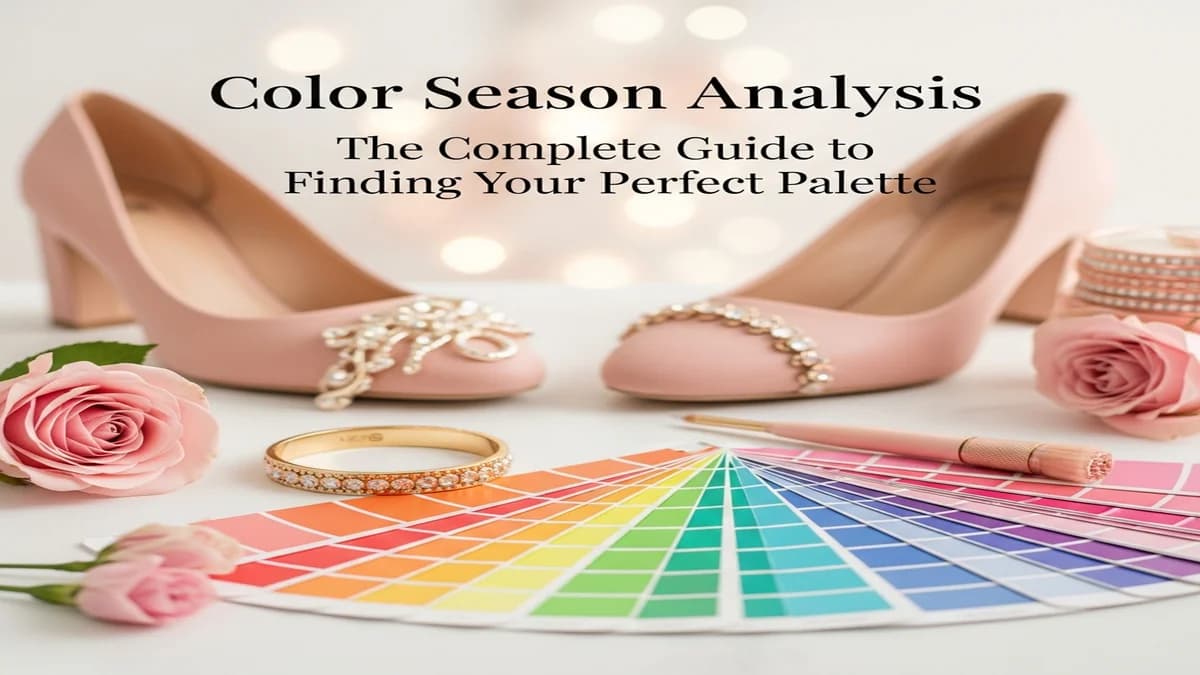
Analyse colorimétrique saisonnière : le seul guide dont vous avez vraiment besoin
Un guide complet et sans superflu sur l'analyse colorimétrique saisonnière. Trouvez votre saison, comprenez pourquoi ça compte, et appliquez-le au quotidien.
GlowAI vs Perfect Corp : Quelle Appli Beauté IA Choisir en 2026 ?
GlowAI vs Perfect Corp — comparaison honnête des fonctionnalités, précision et prix. Trouvez la meilleure application beauté IA pour vous.
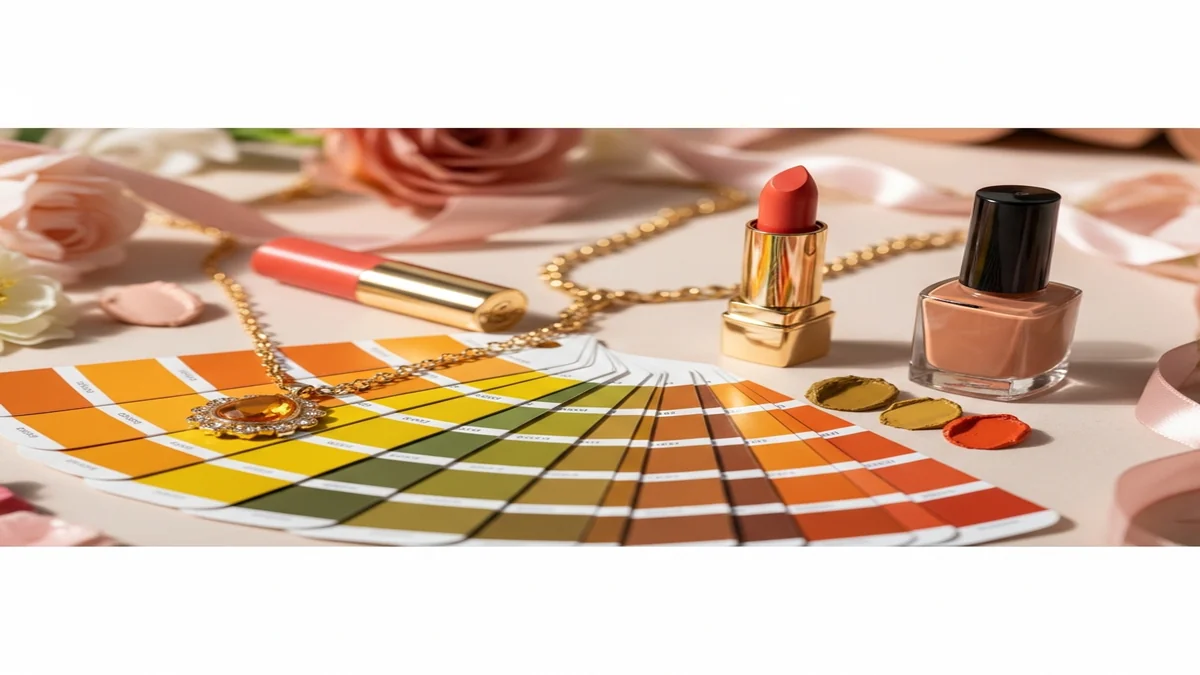
Warm Skin Tone Colors: The Best Shades for Clothing, Makeup & Hair (2026)
Discover the best colors for warm skin tones — clothing, makeup, nails, and hair. See exactly which warm-tone shades complement golden undertones and which to avoid.